
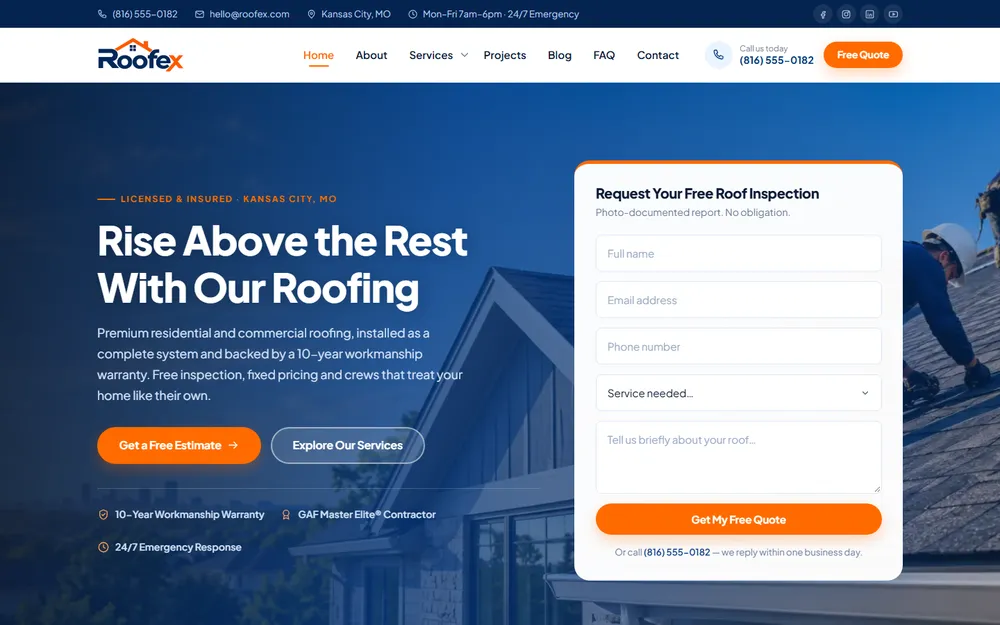
Roofing contractor
Roofex
Website design for a Kansas City roofing contractor: installation, repair and restoration.
Kansas City Web Design Pros builds gym websites that show the live class schedule, explain every membership option and sign up trial members from a phone. A 5 to 10 page site starts at $499 as a one-time fee and goes live in as fast as 48 hours once your content arrives. Tell us what kind of gym you run in the form below and we reply within one business day.
$499 one-time build, 5 to 10 pages
20 yrs combined team experience
36 communities in Kansas & Missouri
Olathe office, Johnson County, KS
A gym website is a trial-signup page with a timetable attached: it shows which classes run and when, explains what membership costs, and turns a visitor into someone walking through the door for a first class or a trial week.
A visitor comparing gyms near home or work wants three answers quickly. Is there a class at a time I can make? What does it cost? Can I try it first? A site that makes them call for any of those three is asking them to do work the next gym’s site already does for them.
Coach bios, the facility tour and the story of the gym all support those three answers. Photos carry real weight on a gym site, and they have to be real: your floor, your equipment, your members mid-workout. A newcomer is judging whether they will fit in, and stock photos of models tell them nothing about your gym.
Yes. A gym that runs classes needs a live schedule on its website, pulled from the software that already books those classes, so the timetable on the site is never out of date and a visitor reserves a spot from the same screen.
Gym management tools such as Mindbody, Glofox, PushPress, Zen Planner and Wodify each provide a schedule widget or a booking link for a website. A retyped timetable goes stale the first week a class moves; an embedded one updates itself. The site adds what the widget cannot: a short written summary of when classes run and a description of each class type for someone who has never done one, so the page reads to search engines as well as to members.
A gym without classes, such as an open gym or a 24-hour access gym, skips the timetable and leads with staffed hours, access hours and the equipment on the floor instead.
Publishing membership prices wins for a gym that competes on convenience and value, and a tour-first page wins for a coached or boutique gym whose price makes sense only after the visitor sees what it includes; a starting price plus a tour sits between them.
| Full price table | Starting price plus tour | Tour first | |
|---|---|---|---|
| What the page shows | Every membership, its price and its terms | A “memberships from” figure, then a tour request | What membership includes, then a tour request |
| Fits | 24-hour and open gyms | Studios with several membership levels | Coached gyms, CrossFit boxes, personal training studios |
| Main action | Join online | Book a tour | Book a tour or a free class |
| What it avoids | A sales conversation the visitor does not want | A price with no context | Comparison on price alone |
Whichever way you choose, write the terms as plainly as the price: the length of any commitment, how to cancel, whether there is an enrollment fee and what freezing a membership involves. A member who discovers a term later that the website never mentioned is a member who leaves angry and says so in a review.
A trial signup page turns a visitor into a member by offering one clear trial, asking for four details, confirming the signup at once and telling the newcomer exactly what happens when they walk in for the first time.
The first-visit explanation does more work than it looks. Walking into an unfamiliar gym is the hard part for a beginner, and one paragraph that names the coach who will meet them removes the reason to cancel.
A gym website changes shape with the kind of gym: a CrossFit box leads with coaching, a martial arts gym with programs by age, a yoga or pilates studio with class types, and a 24-hour gym with access and equipment.
The five share one rule: the page a newcomer needs most sits one tap from the home page. For a jiu-jitsu gym that is the kids program; for a 24-hour gym it is the join page.
A gym website starts at $499 as a one-time fee for 5 to 10 pages: home, schedule, memberships, trial signup, coaches, about and contact. A gym with a page for each coach or program moves to 20 to 25 pages, from $999.
Around 50 pages starts at $1,499. A 5 to 10 page site goes live in as fast as 48 hours, counted from when your content arrives: the membership options and terms, coach photos and bios, your schedule widget or booking link, and photos of your own floor. Bigger builds take longer, and you get the timeline before work starts.
Membership billing stays in your gym software, and the site links to its signup page. Selling apparel or supplements online is a store build, priced as ecommerce. Kansas City Web Design Pros confirms every figure on the free strategy call, and there is no monthly contract on the build.
Yes. One gym website handles several locations by giving each its own page, with that location’s schedule, hours, address, parking and coaches, so a member never books a class at the wrong building.
Memberships that work at every location are explained once, on the memberships page. Everything specific to a building lives on its own location page, and the schedule on each page shows only the classes held there.
A gym with one location in Olathe and another in Overland Park gets two location pages, and neither is a copy of the other. That is the standard our own pages for web design in Olathe and website design in Overland Park are written to: each one is about its own city, not the same page with the name changed. Kansas City Web Design Pros builds a gym’s location pages the same way.
Our work
Click a project to open its live website in a desktop, laptop, tablet or phone frame.
Website design for a Kansas City roofing contractor: installation, repair and restoration.

Website design for a Kansas City family and cosmetic dental practice.
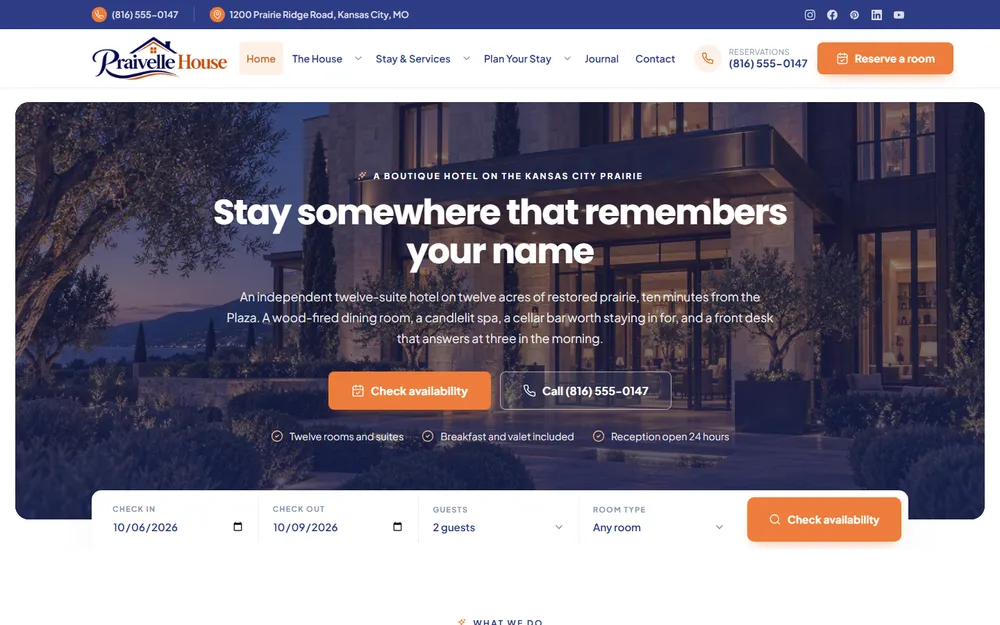
Website design for a Kansas City boutique hotel, spa and restaurant.

Website design for a Kansas City beauty salon: hair styling, facials, nail care, makeup and spa treatments.
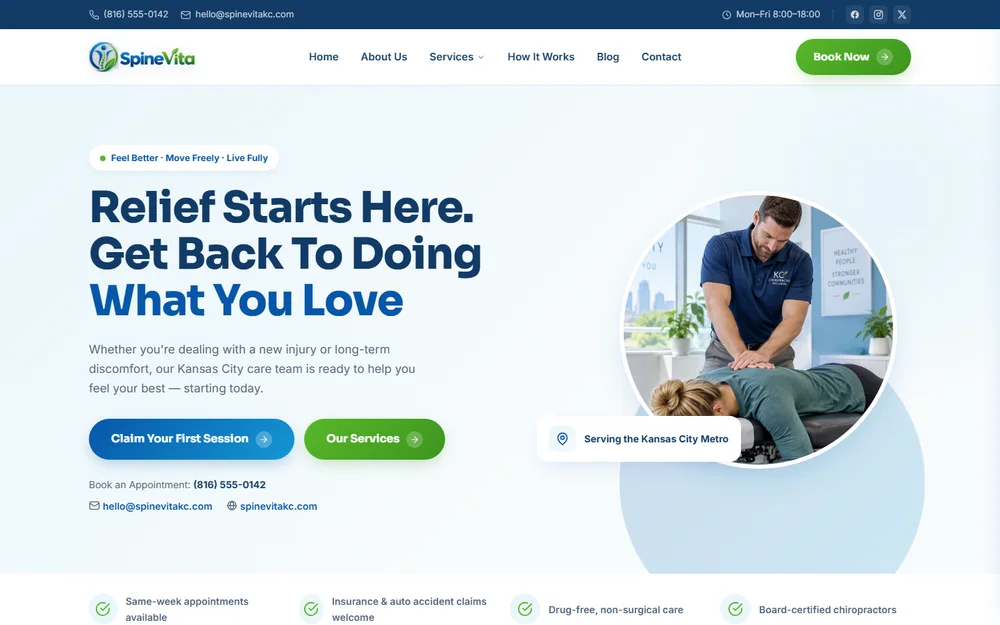
Website design for a Kansas City chiropractic clinic: injury care, sciatica relief, sports rehab and spinal decompression.
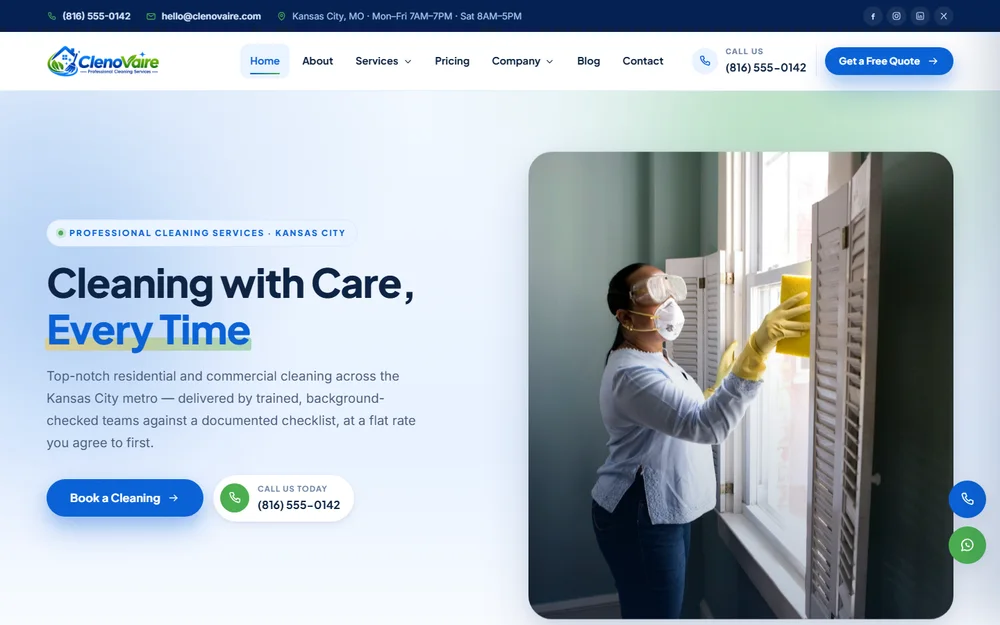
Website design for a Kansas City cleaning company: house cleaning, deep cleans, move-in and move-out, post-construction and carpet care.
From our Olathe office
No account managers and no hand-offs. The founders you speak with on the first call stay on your project through launch, working alongside our design team.

Fredrick Francises
Fredrick runs client projects from the first call to launch day. He is the person most of our Google reviewers mention by name.

Bikash Roy
Bikash designs the websites and runs the search side for Kansas City businesses. He has eight years in web design and SEO, and builds sites that load fast on a phone and show up when customers search Google.
Reviews from Google
Every quote below is copied word for word from our Google Business Profile.
5.0 12 Google reviews
Your website has to function optimally, and Fredrick and the team at KCWDP don't leave anything to chance. Thorough, professional, dependable work every time, we're developing our third project together now.
 Matthew DunehooGoogle review
He has shown a unique ability to understand my business model quickly and help us build a strategy to grow with speed and precision. He's a great listener and has tremendous vision and follow through.
 Aric H.Google review
The creative vision this team brought to my project completely exceeded my expectations. They didn't just build a website; they captured the brand perfectly with a fresh, stunning design.
Fredrick was very knowledgeable and was able to fix some IT issues we were having, as well as put better securities in place to protect our systems. His communication was great and very prompt with his work.
 Jenn ChismGoogle review
They work closely with you to ensure you're getting the best possible service and really help you turn your ideas into reality. The end product looked gorgeous, performed perfectly and was very responsive.
 Vlad RaduGoogle review
I had an amazing experience working with Fredrick! He was extremely quick to respond, professional, and very helpful throughout the entire process of building my website.
Right off the bat you feel like you're not a client but a friend. The knowledge and creativity they have at their disposal seems neverending.
 Joshua WestonGoogle review
They were fast, friendly and explained everything very clearly to meet my needs. Will definitely be using them again!
Fredrick and his team were professional and the work was done quickly and looks great!
 Sir AustinGoogle review
Fredrick and his team went above and beyond, truly care and I am so grateful to have stumbled across them!
 Nicholas V. LoScalzoGoogle review
Kansas City Web Design Pros knew exactly what my project needed to go to the next level.
 Bethany HackmannGoogle review
Delivered a modern, responsive website that perfectly captures our brand.
 GbgGoogle review
12 Google reviews, rated 5.0 out of 5. Read them all on Google
Straight answers
A 5 to 10 page gym website starts at $499 as a one-time fee. Twenty to twenty-five pages, enough for a page per coach or program, start at $999, and around 50 pages start at $1,499. There is no monthly contract.
Yes. The site embeds the schedule or booking link from the gym software you already use, such as Mindbody, Glofox, PushPress, Zen Planner or Wodify, so members reserve a spot on the same screen where they see the timetable.
Yes, through your gym software's own signup and billing page, which the site links to or embeds. Billing stays in the software you already run, so card details go to that billing system rather than to the website.
Yes. A personal training studio gets trainer pages, a consultation request in place of a timetable and packages explained in sessions. A small studio fits in 5 to 10 pages, from $499 as a one-time fee.
A 5 to 10 page site goes live in as fast as 48 hours, counted from when your content arrives: memberships and terms, coach bios and photos, and your schedule widget or booking link. Larger builds take longer, and you get the timeline first.
Yes, when the schedule is embedded from your gym software. A class you move or cancel in the software changes on the website straight away, with no second edit. If your staff want to learn to edit the rest of the site, training is available when you ask for it.
Kansas City Web Design Pros (KC Web Design Pros) is a web design and SEO company at 12232 S Blackfoot Dr, Olathe, KS 66062, serving the Kansas City Metro across 36 communities in Kansas and Missouri. Call (913) 448-1315 (+1-913-448-1315) or use the form above. Open Monday through Saturday, 9 AM to 5 PM. Closed Sunday.